Try without signing up. Free daily limits apply.
Free image tool
Free AI YouTube Thumbnail Maker
Give your video one clear visual idea. Explore four thumbnail concepts from a title or link, then choose the direction that fits the story.
Output
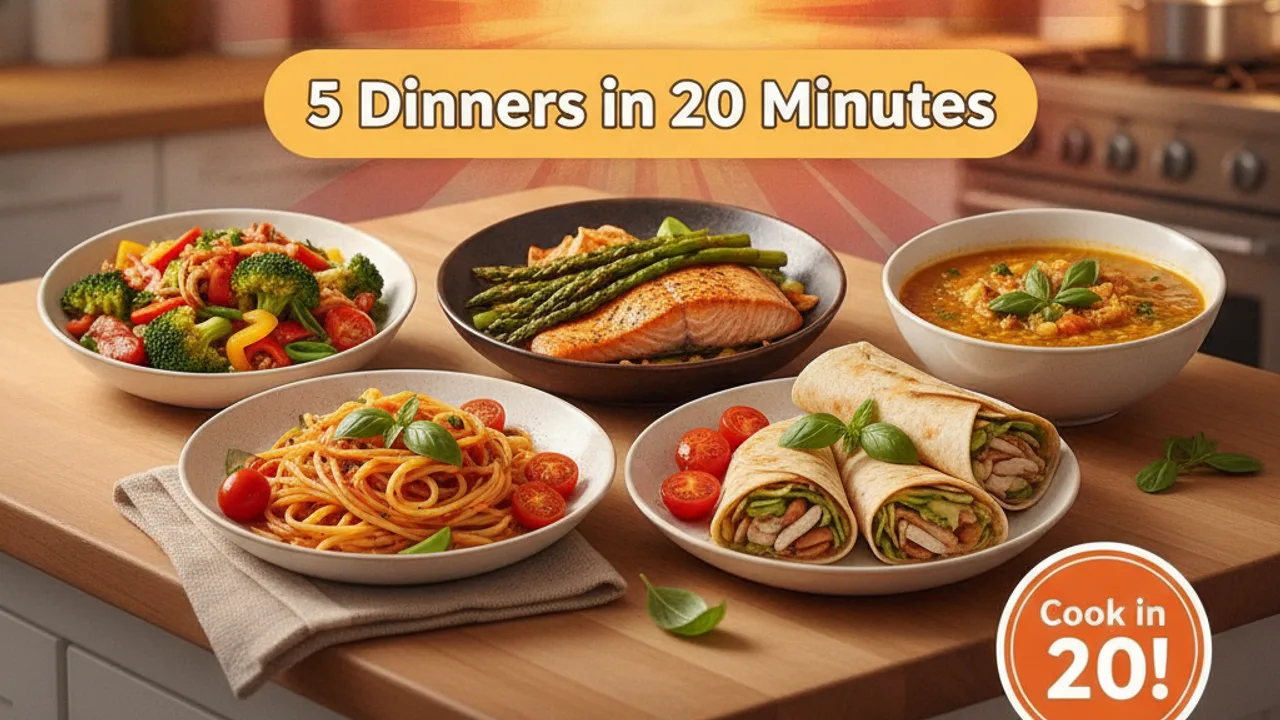
Examples generated with Orbits

Free AI YouTube Thumbnail Maker
Make the promise of the video visible
A good thumbnail helps a viewer understand the subject before they read much else. This YouTube thumbnail generator explores four visual directions from your title or video link. Use it to compare a product-focused scene, a clear contrast or a short text-led idea. The result should represent the video you actually made. A striking image that promises a different story can attract the wrong viewer and undermine trust.
Thumbnail text should add a useful detail
A thumbnail has limited space, especially on a phone. Choose a few words that add something to the title rather than copying the whole sentence. ‘Three dinners, one tray’ gives a cooking video a specific visual idea. Long instructions and several competing messages are harder to scan. AI-generated lettering can contain mistakes, so inspect spelling, contrast and placement before using any result.
Borrow principles, not another creator’s identity
Searches for MrBeast-style thumbnails often reflect an interest in bold contrast, a clear subject and an obvious story. You can describe those qualities without copying a creator’s face, branding or distinctive artwork. Ask for a readable composition that fits your own channel. A quiet educational topic may need a different visual language from an entertainment challenge. The right direction is the one that sets an accurate expectation for your audience.
Compare concepts at the size viewers will see
Open the options at a small size and look for a recognisable focal point. Does the subject stand out from the background? Can you understand the idea without reading fine detail? Compare each option with the title beside it. Then review the full-size image for distorted objects, inaccurate details and awkward text. The generator produces concepts; it does not test click-through rate or guarantee improved reach.
Finish the whole video package
A thumbnail works with the title, description and opening of the video. Keep the key idea consistent across all four. Use the description to explain the contents and provide useful links, and reserve tags for relevant supporting terms. If your video points to a workshop, service or resource, make sure the destination delivers what the thumbnail and title led someone to expect.
Who it’s for
How it works
- Enter a title or video link and a clear visual direction.
- Generate four concepts around the actual topic.
- Review the images, compare them at phone size and download a suitable option.
Tips for better results
- Choose one focal point.
- Keep overlay text short and inspect every letter.
- Avoid implying a scene or result that is not in the video.
Frequently asked questions
Does a YouTube link guarantee the tool watches the video?
No. Give the tool enough context in your brief to describe the actual video. Review generated concepts against its contents.
Can it make a MrBeast-style thumbnail?
You can request bold contrast and clear storytelling. Create your own composition rather than copying another creator’s face or brand.
Will it improve my click-through rate?
No performance is guaranteed. Use the concepts as drafts and evaluate the final thumbnail with your own audience.