Get started
Orbits Studio

Make the launch assets too.

Generate, edit, animate, and reuse the media around every campaign: podcasts, product shots, thumbnails, video concepts, screenshots, and client-ready creative sets.

Browse free toolsGet started free →
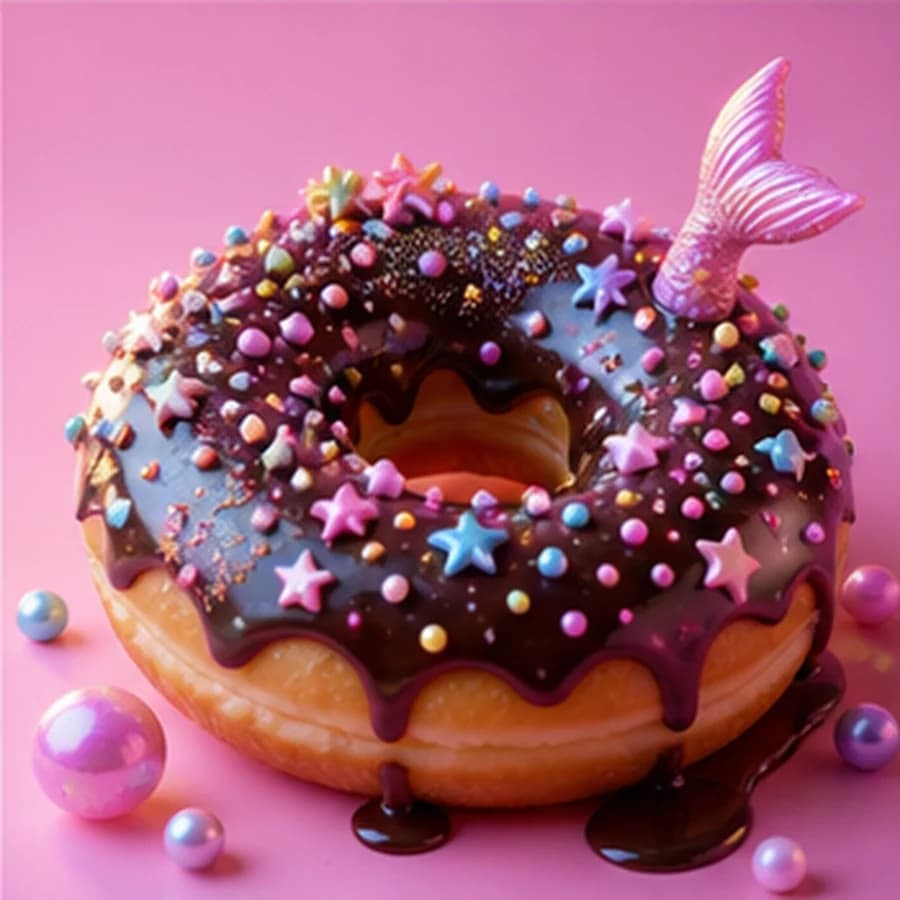
Whimsical shiny chocolate donut media sample
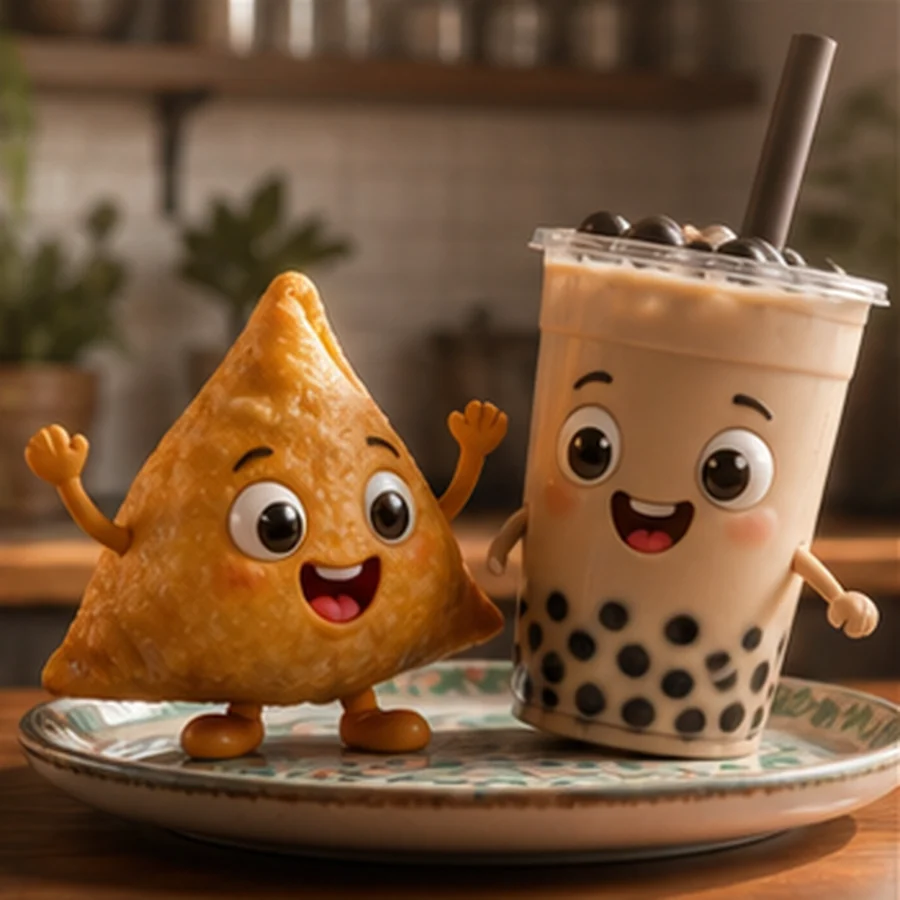
Cute samosa and boba characters
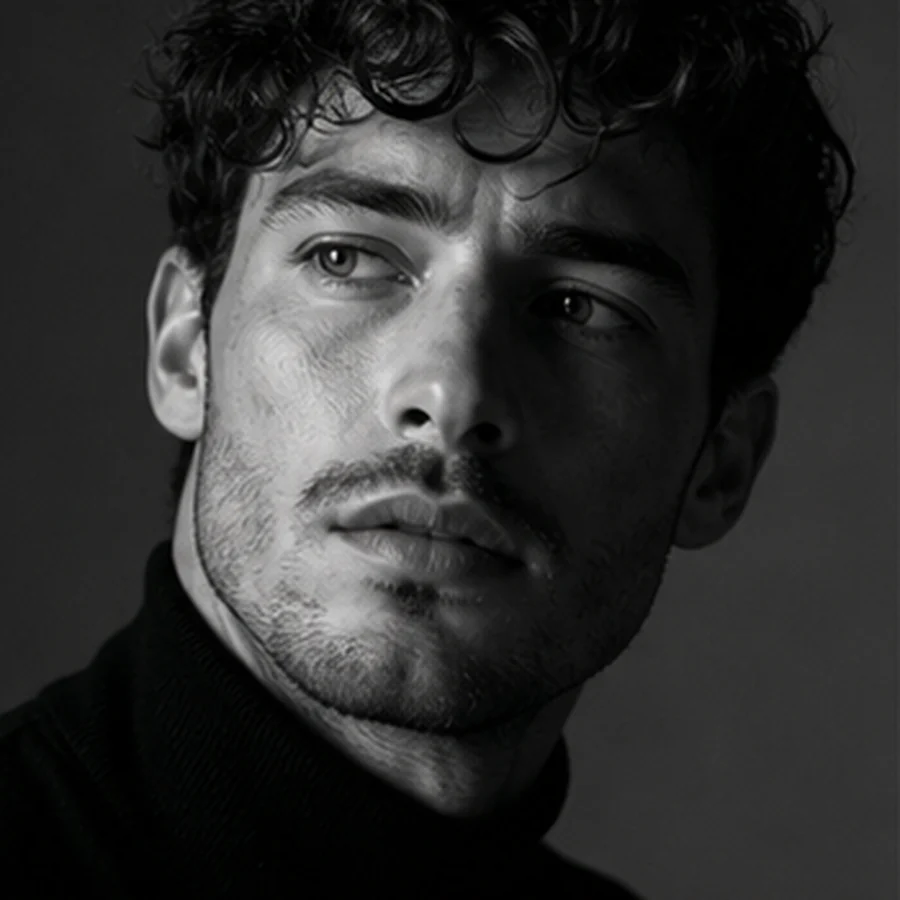
Black and white mysterious man portrait
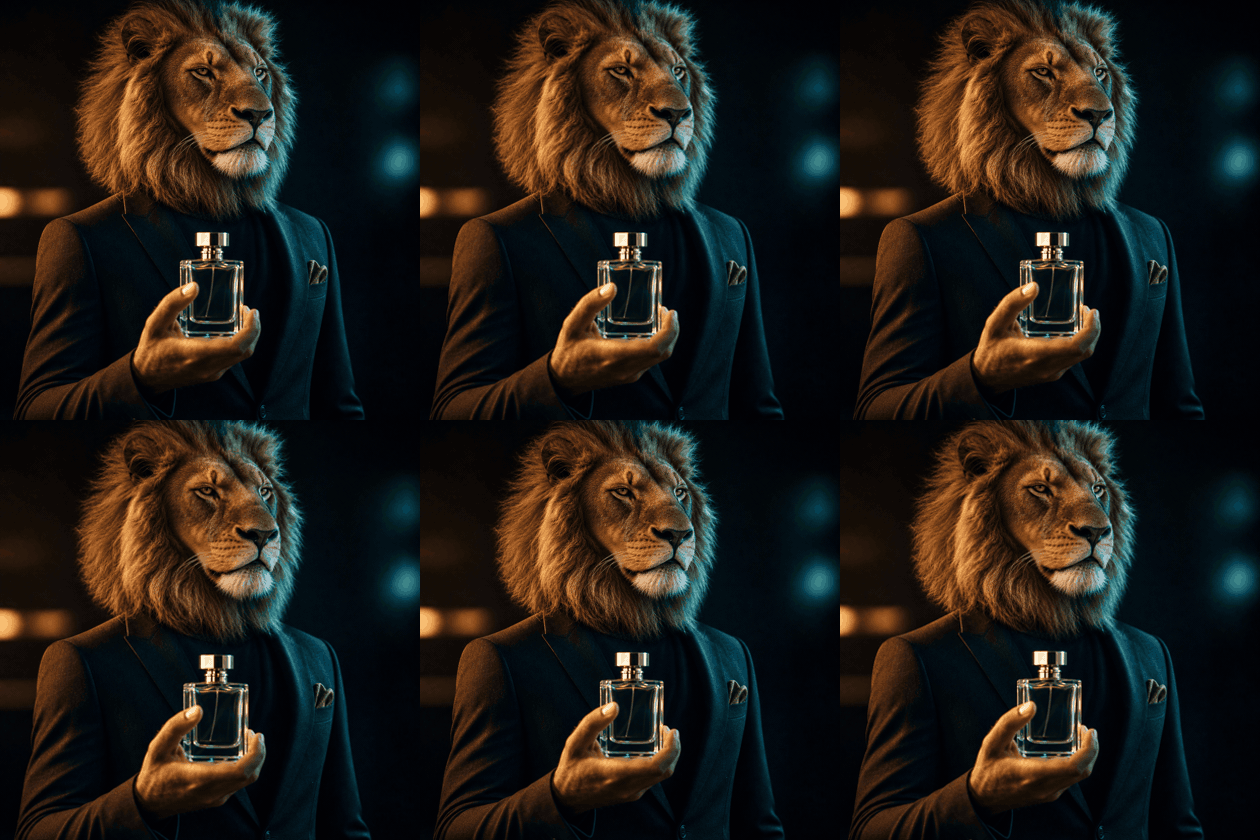
Lion headed product video concept
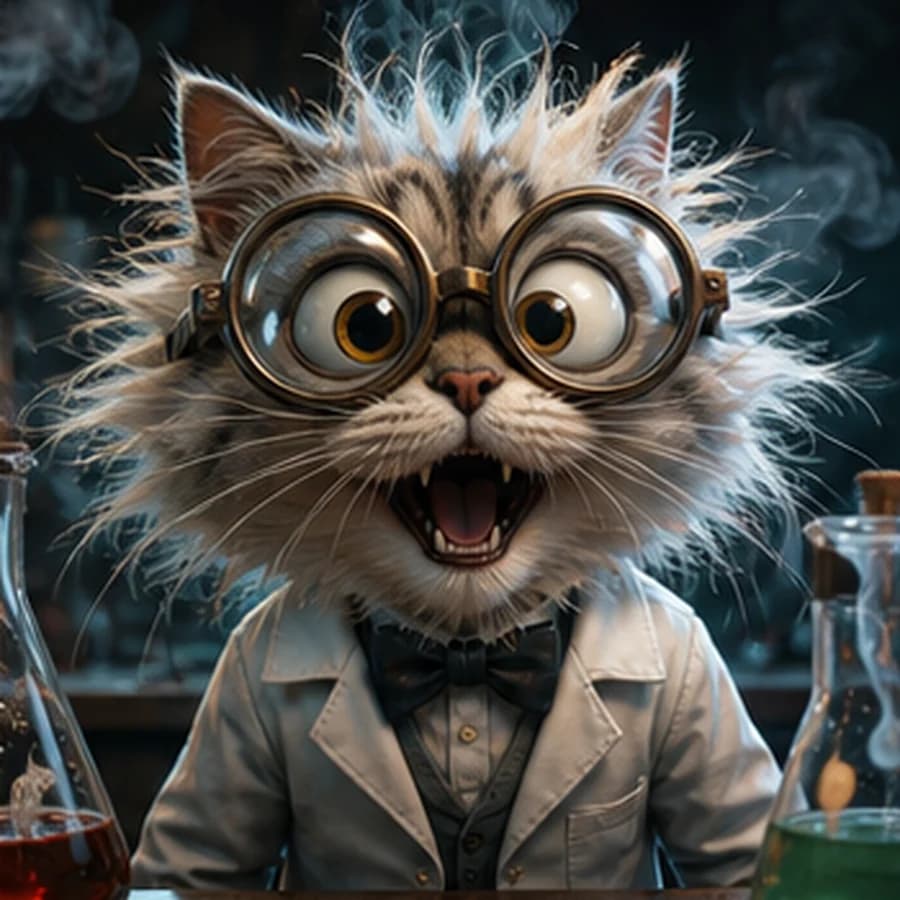
Crazy scientist cat media sample
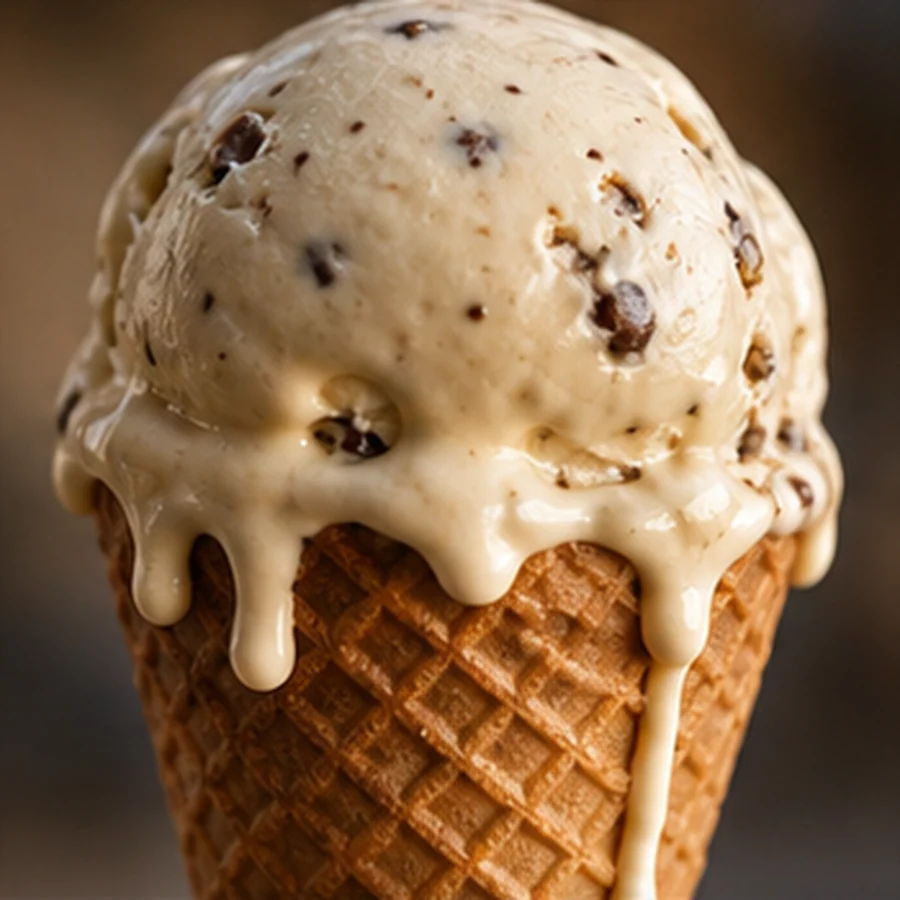
Premium melting ice cream macro shot
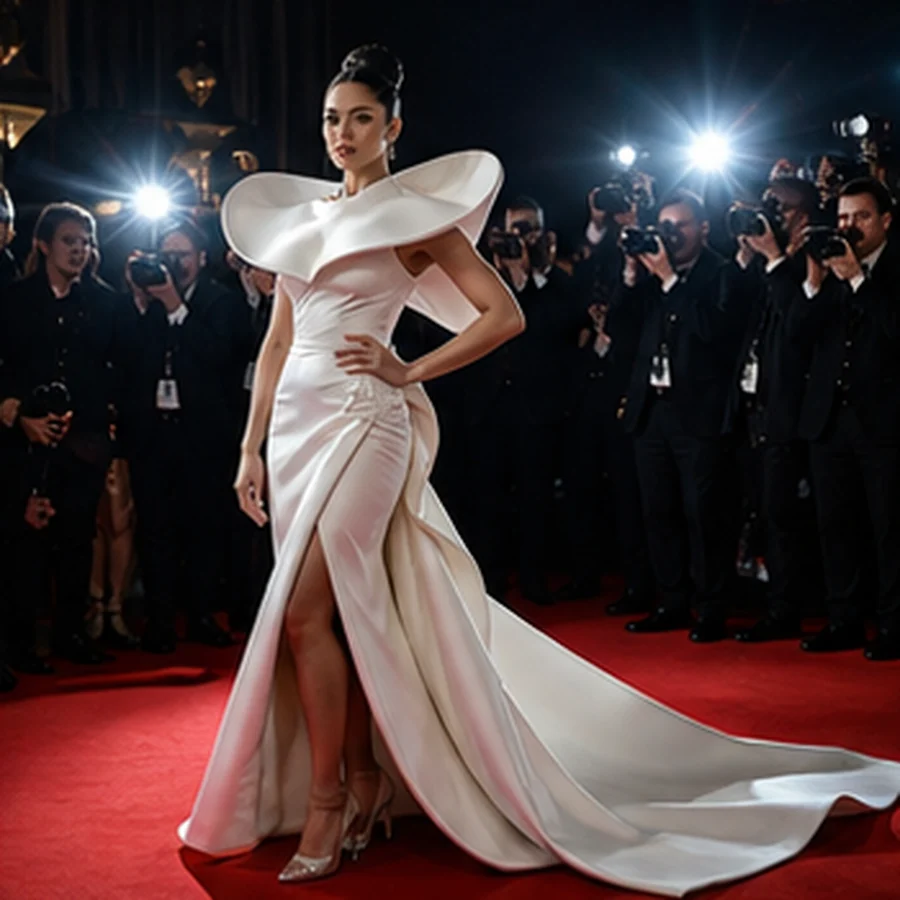
White couture model on red carpet
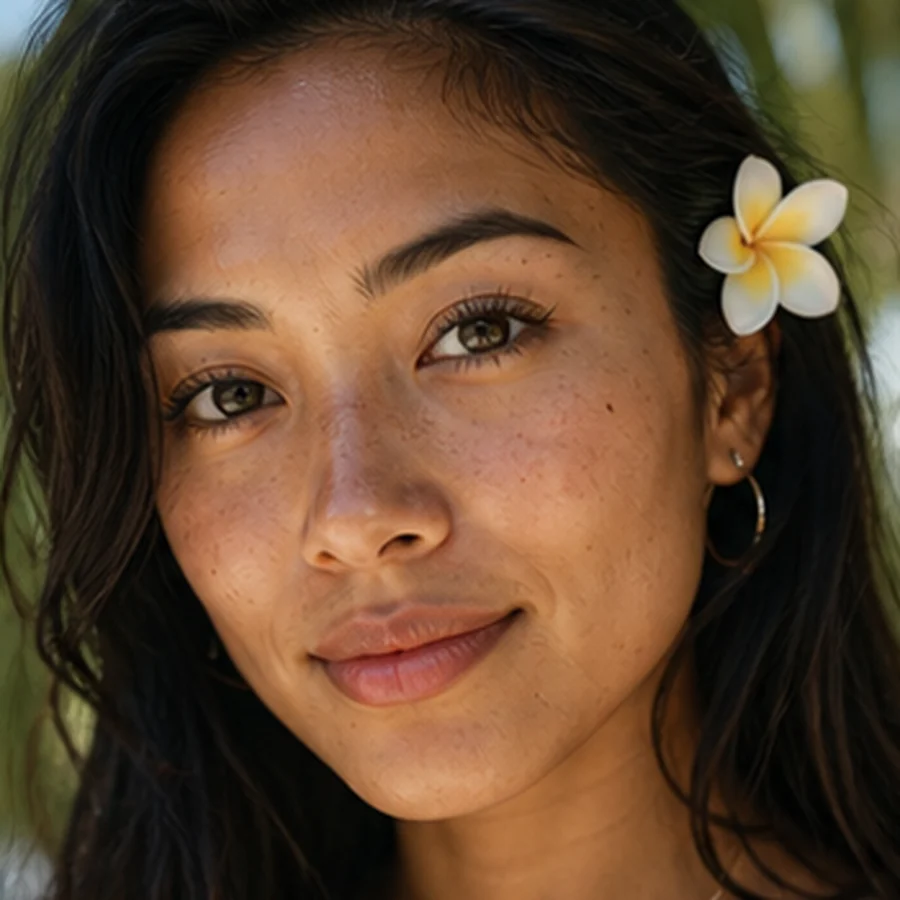
Hawaiian woman portrait sample
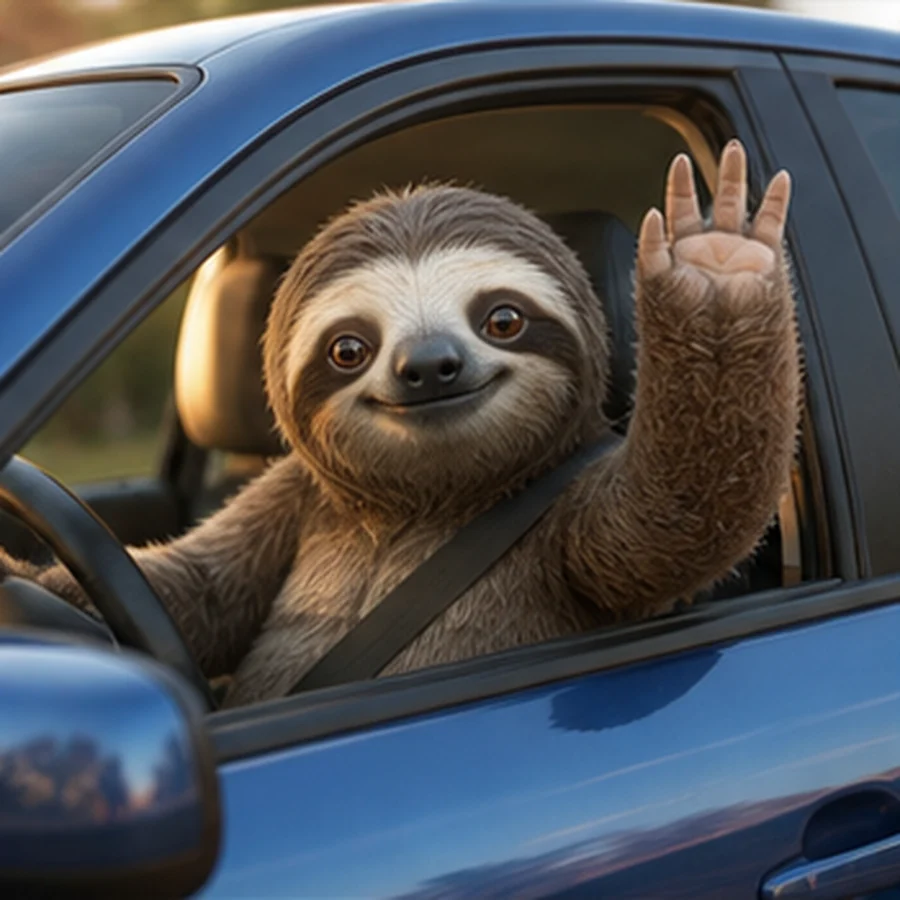
Cute sloth driving a car
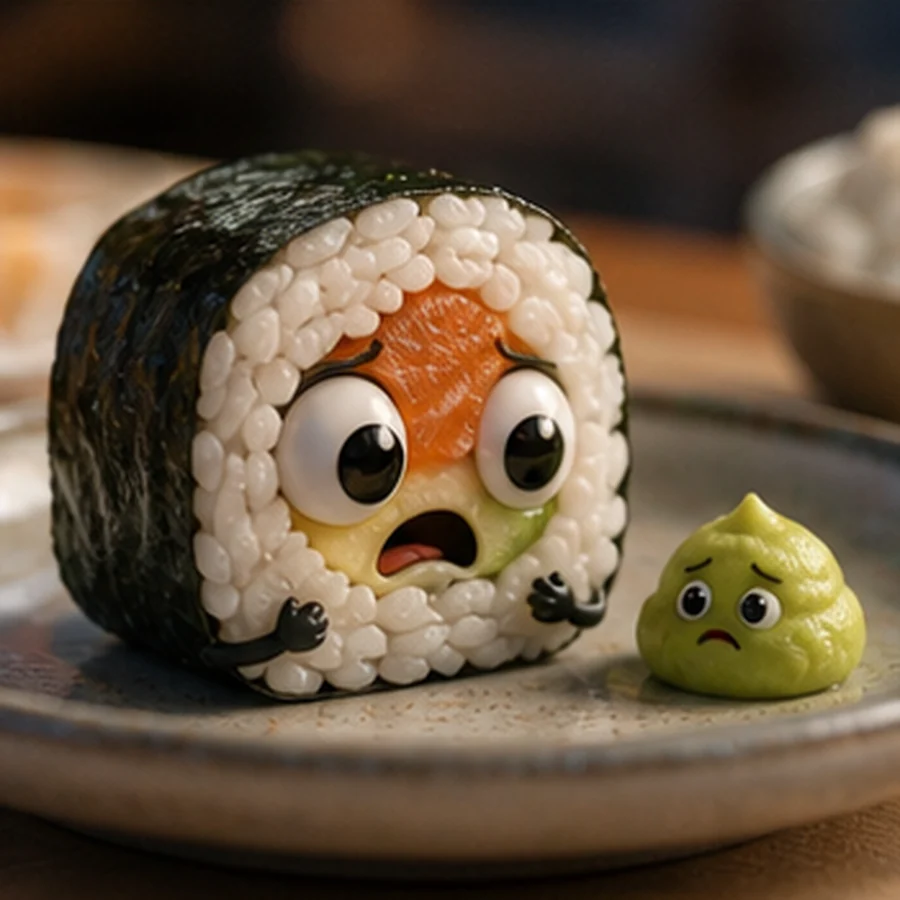
Cute sushi and wasabi characters
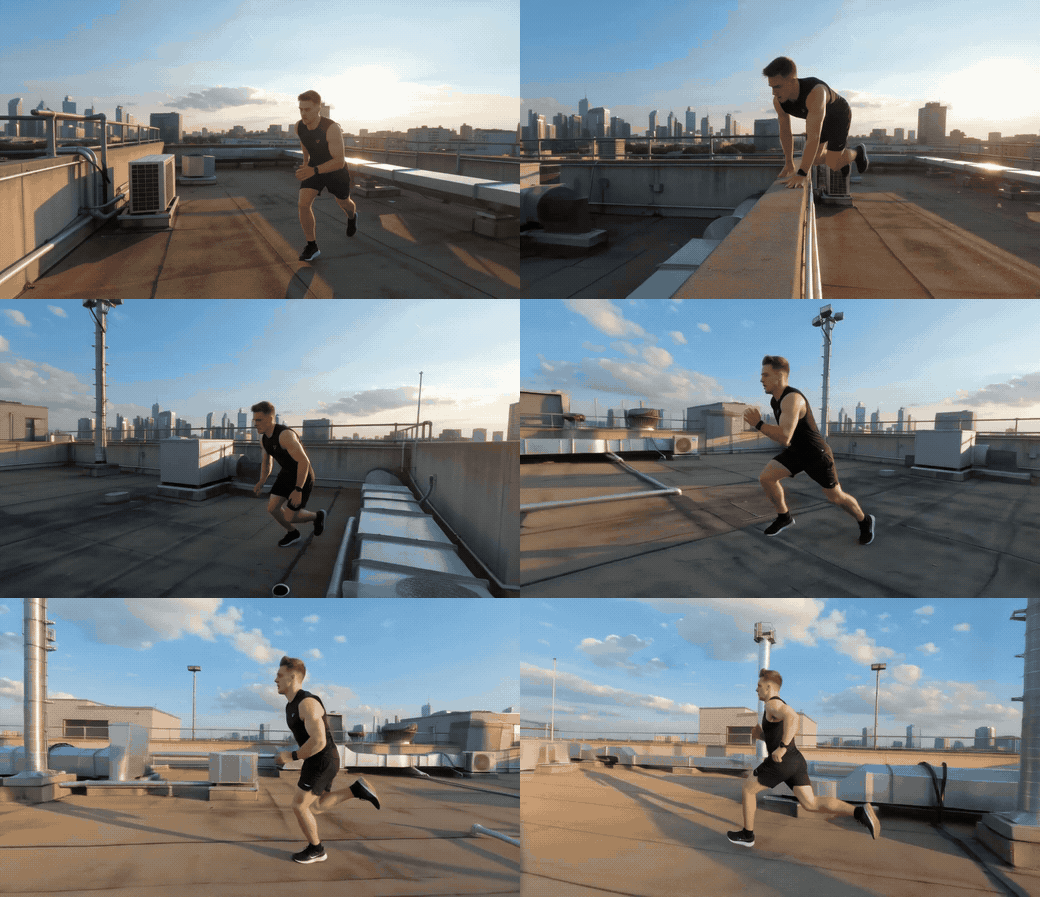
Parkour rooftop video concept
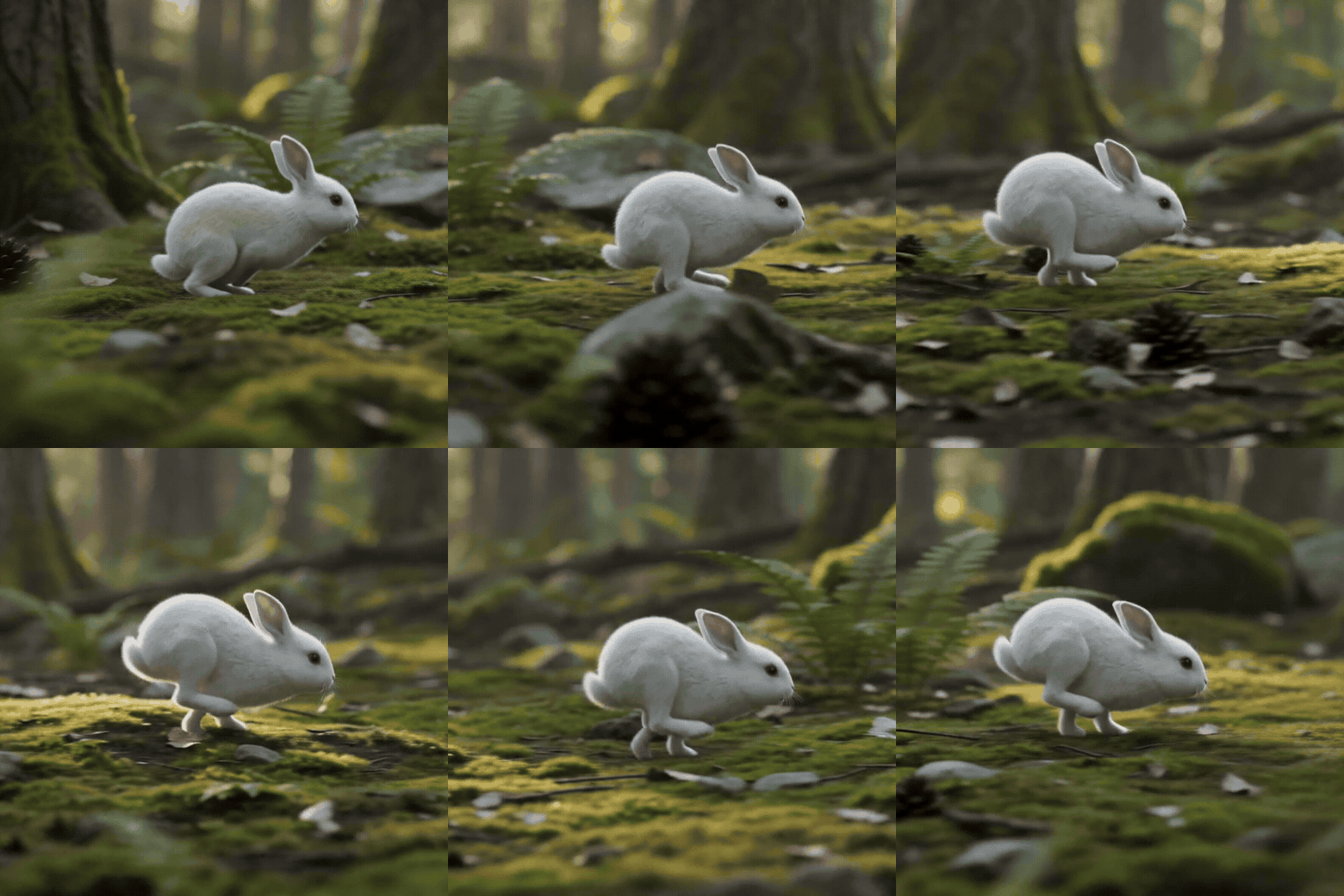
White rabbit forest video concept
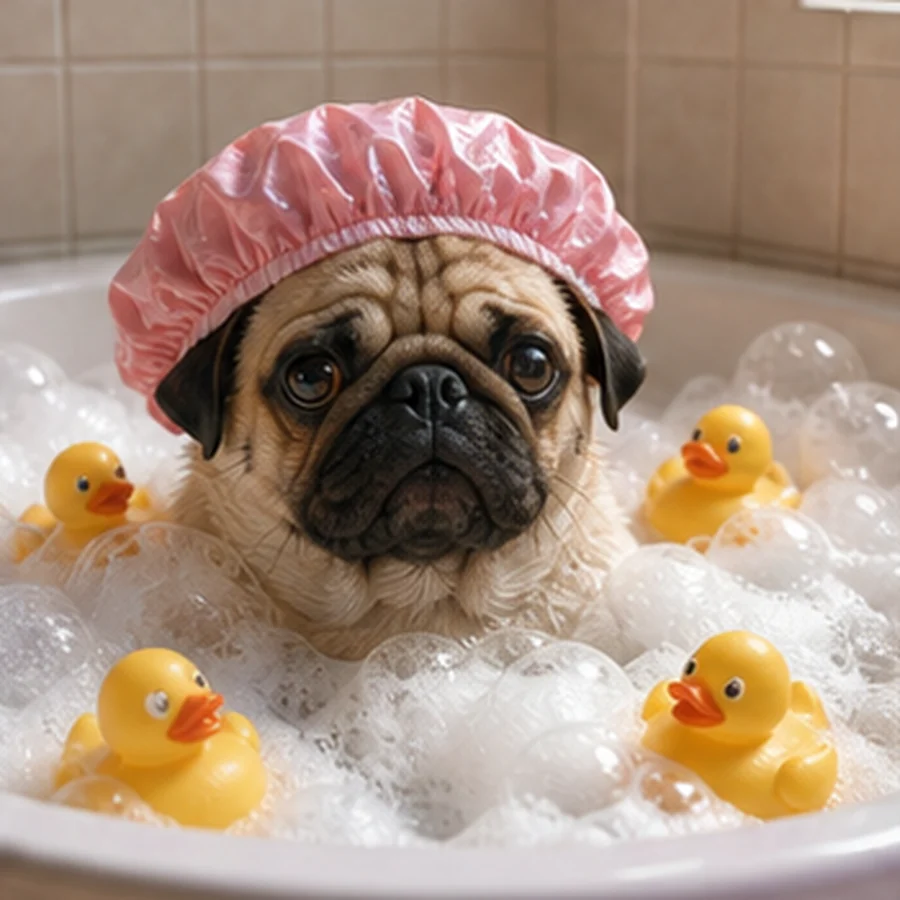
Pug in bubble bath with rubber ducks
Classifier
Model

Multiple AI models

A small production desk for agencies that need the asset before the meeting.

Orbits Studio is the creative layer beside the report. It helps you move from brief to rough asset, from rough asset to stronger variation, and from one-off output to reusable campaign context.

Generate

Not a prompt box. A production surface.

Make the first asset before the team opens five tabs.

Draft podcasts, product shots, thumbnails, UGC scripts, talking-head videos, and ad concepts from a short brief. Start messy, then refine the parts worth keeping.

Talking head avatar

Put a product pitch on camera before the shoot exists.

Create a portrait UGC-style video direction with a presenter, product, hook, and call to action, then bring the winning angle into the next campaign pass.

UGC pitchPresenter directionProduct demoHook testPortrait video

Video ad generator

Turn the offer into a commercial-style draft.

Shape a product, audience, offer, and mood into a short ad concept that gives the team something concrete to react to before production.

Product spotOffer testStoryboardScene directionAd concept

Image edits

Expand, clean, restage, and reshape campaign images.

Use Studio for the edits launch work always needs: extend a frame, change the background, clean up product photos, polish screenshots, and build consistent crops for every channel.

Expand imageChange backgroundClean product photoBeautify screenshotCreate channel crops

Motion edits

Turn still ideas into moving tests.

Animate a product, test a motion hook, transform a scene, or create a short directional clip before committing to a full production pass.

Animate a stillTransform a sceneTest a hookCreate motion variantsPreview campaign rhythm

Bulk creative

Make the set, not just one output.

Generate a group of variations for ads, thumbnails, report covers, social posts, product shots, and client review assets so the best direction is easier to compare.

Batch variantsFormat swapsCampaign setsClient review boardsReusable context

Don't just generate. Reuse what worked.

  • Save the prompt that worked instead of rebuilding it from memory
  • Keep scripts, transcripts, thumbnails, images, and media links in one place
  • Reuse product, character, and campaign context when you make the next asset
  • Move from one-off generator outputs toward a repeatable launch workflow

Start creating with Orbits Studio

Try the toolsSign up free →